
New · AI design preview
Your next card starts with an idea.
Design staff IDs and plastic cards with AI. Describe what you want, add your logo, and choose colors. Then shape the concept together with the assistant.
For signed-in Tryckkort customers. A daily AI allowance is included during the preview.
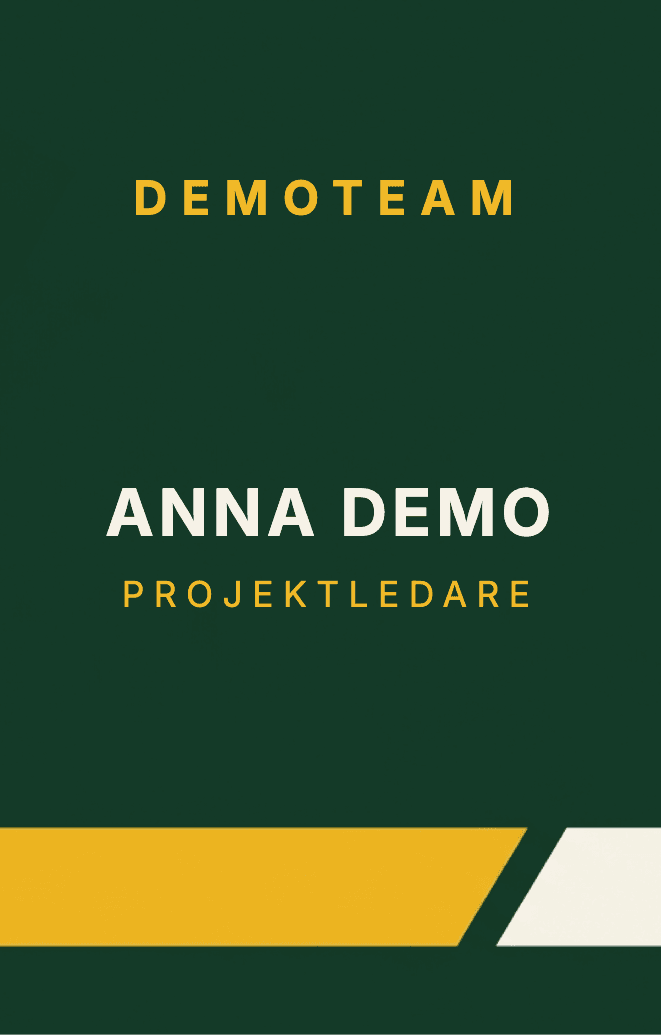
From description to card concept
You decide. The assistant helps.
- 01
Describe and attach
Tell us what the card is for. Add a logo, images, and colors, and mark what should guide the style.
- 02
Shape it in the editor
The AI session starts when the editor opens. Request changes in your own words, such as a portrait layout, a larger name, or a calmer background.
- 03
Review and order
Make edits yourself or keep chatting. Add staff data if needed and review every card. You approve the artwork and price before ordering.
AI design · Preview
From an idea to your first card concept.
Start with your materials, choose colors, and tell us what the card is for. The design assistant takes it further in the editor.
In the last step, sign in or create a free Tryckkort account.
Add your materials
One design for the whole team
From one staff ID to the whole team.
Keep the same layout while name, title, and photo change for each person. You can add more cards as the team grows.
Learn about staff IDs and printingStart with something ready-made
You can also choose a template and keep working in the editor. For membership cards and other plastic cards, our guides help with content, images, and print preparation.
Common questions about AI design
What can the AI assistant help with?
Describe a staff ID, membership card, or other plastic card. The assistant can place text and images, change colors and format, and create a background image. You keep editing directly in the card editor.
Can I use our logo and fonts?
Yes. Upload your logo and images and choose your colors when you start. In the editor, you can also upload a custom font and select which parts of your materials should guide the style. Make sure you have permission to use them.
Can I make staff IDs for multiple people?
Yes. In the editor's Personnel section, you can import a CSV or Excel list and add staff photos. Ask the assistant to connect names, titles, and photos to dynamic fields. Review the card series before ordering.
Does it cost anything to try AI design?
A limited daily AI allowance is included for signed-in Tryckkort customers during the preview. You can see what remains in the editor. Printed cards and delivery are paid separately, and you see the price before ordering.
Is the concept ready to print immediately?
Review the text, photos, legibility, and placement before ordering. AI can make mistakes. You can adjust text and images and undo AI changes in the editor. Creating a concept does not place an order.
What happens to my uploaded materials?
When you use the assistant, your description and relevant design materials are sent to Google's Gemini. This may include card images and the selected person's details when working on staff IDs. Read our privacy policy and upload only materials you are allowed to use.